 Square
How to Check IOD, CC and OC Status in Mumbai—and Match the Record to Your Building
A status result is useful only if it belongs to the right proposal, building and document. Start with the official authority route and the file identifiers; then check whether you are reading an application entry or an issued approval.
Cannot match a record to your building?
Square Space can discuss your available approval references, architectural records and the documentation question. Describe what is missing or inconsistent and request a callback. We do not issue certificates or guarantee a pending approval.
Calling? Mention the Square Space website. Share a description in the form, not private documents.
Collect the identifiers before searching.
Ask the owner, developer or appointed professional for the proposal / building-permission reference, available IOD or CC number, property identifiers and existing document copies. Keep the village / ward, CTS or survey reference, building / wing description and the applicant or architect name together where available.
You do not need every field merely to start a conversation. You do need enough to avoid matching a similarly named building. A project marketing name may differ from the wording in an authority file. If all you have is a sales brochure or a screenshot, say so.
For the meaning of the certificates, read our existing IOD, Commencement Certificate and OC stages guide. This article addresses the different task of finding and checking the record, not repeating those definitions.
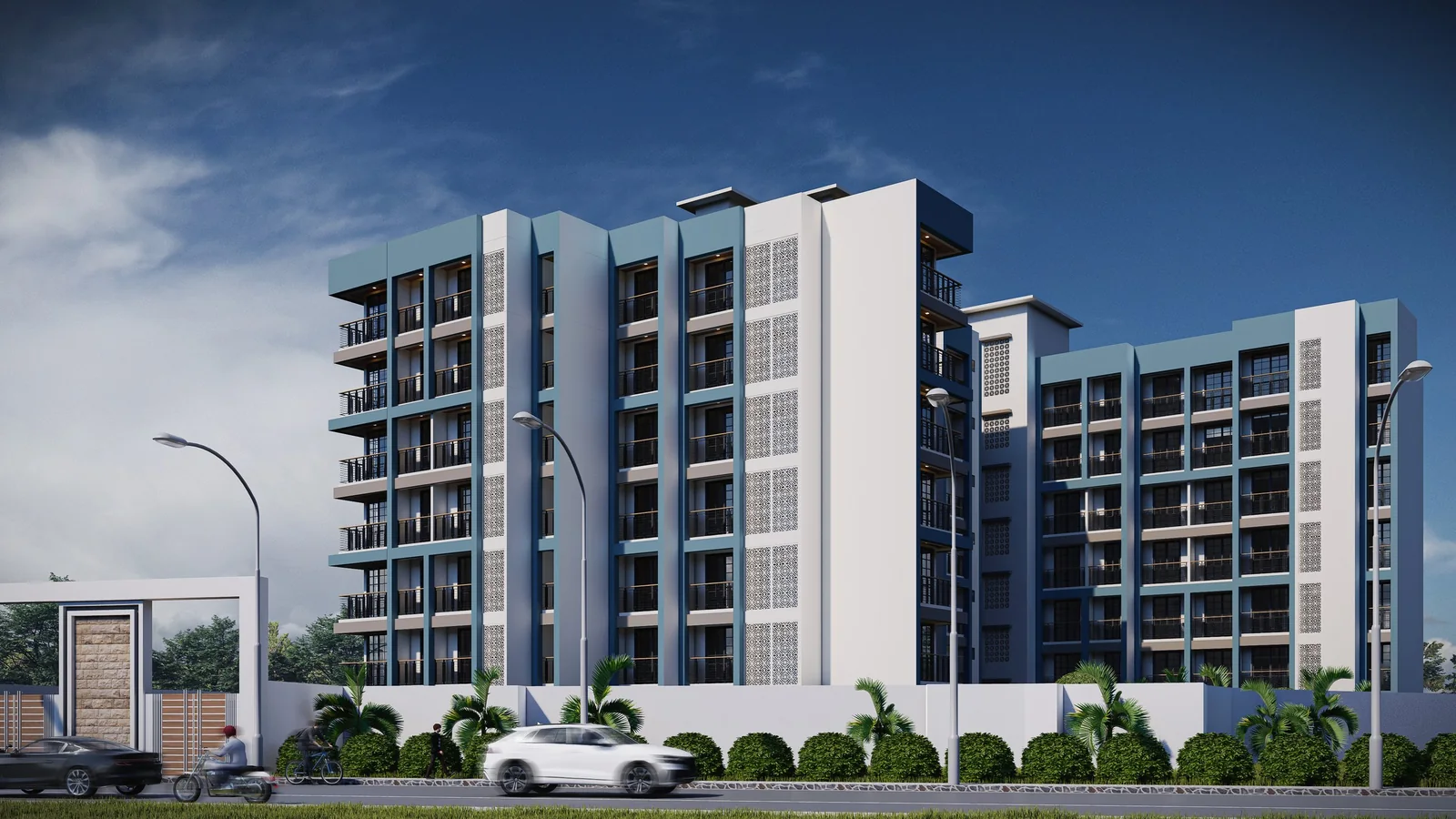
Start at the official BMC entry point.
For a proposal handled by BMC, open the official Online Building Plan Approval System. Its public entry page provides a Citizen Search / For Citizens option separately from the professional login. Follow the available public-search route and use the identifiers you hold.
- Confirm that the proposal belongs to BMC before using this route. Another competent body may maintain a different record.
- Use the search options actually offered by the portal; labels and screens can change.
- Compare the returned file identity with your plot and building details before relying on any status.
- Open the available document or seek an official / authorised copy if the entry does not provide what you need.
The official public Citizen Search form currently offers Project No. / Proposal No., applicant and professional names, Process (including IOD, CC / FCC and OC), Zone / Ward and property-address fields. Use the identifiers you actually know, narrow by the relevant process where appropriate, and select Search. Review any returned proposals against your property—not only the project name. The field labels were checked on 18 October 2026 and can change.
If you are unsure of the process, do not invent an identifier or select a status to force a match. Ask the appointed professional for the file reference. Never enter professional credentials into a third-party “status checker” or send login details through our enquiry form.
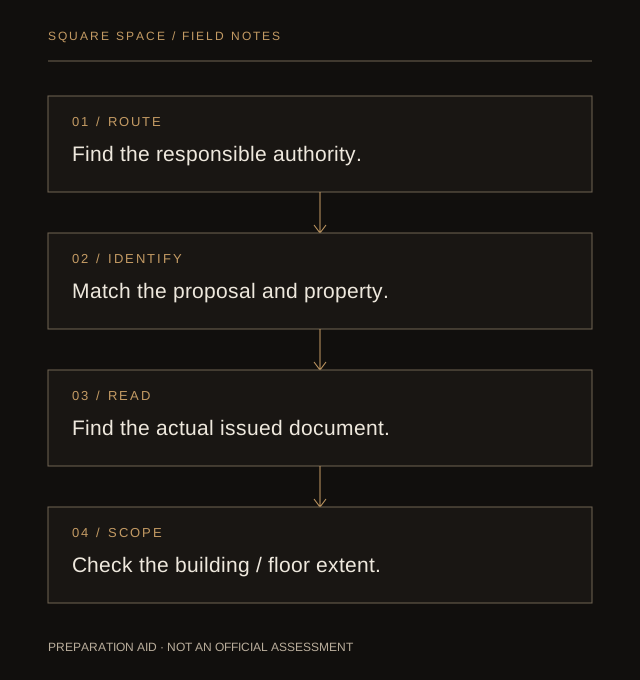
A status label is not the issued certificate.
| What you find | What to check next |
|---|---|
| Application received / submitted / pending | The entry describes an application stage. Look for the corresponding issued document and its reference before assuming approval. |
| IOD or amended drawing record | Check the date, conditions, proposal identity and whether a later version supersedes the copy you have. |
| Commencement Certificate | Read the authorised scope stated in that document; do not infer permission for every proposed floor. |
| Part / full OC document | Check precisely which building, wing, floors or portions the issued document covers. Do not infer that a part certificate covers the whole development. |
If you have only “OC applied” in correspondence, record that wording accurately. It is not the same as holding an issued OC for the portion in question. An image of a certificate also needs a reliable source and matching identifiers; this page cannot authenticate a private document.
If nothing appears, investigate the mismatch.
A failed search does not prove that permission was never issued. It may mean the wrong authority or identifiers were used, the file is recorded under different details, or the relevant material is not available through that public search route. Equally, a nearby result is not proof for your building.
- Check the proposal number against the original document, not a retyped message.
- Confirm village, ward, plot identifiers and the building / wing being discussed.
- Ask the appointed professional or relevant authority about the correct route for unavailable or historic records.
- Keep legal or ownership concerns separate from architectural document coordination.
Do not substitute a tax receipt, utility connection or a proposed plan for the specific approval record you are trying to establish. If the question affects a purchase or legal rights, obtain independent legal advice as appropriate.
Keep a record of what you found and what remains open.
| Field | What to write |
|---|---|
| Source and check date | Official portal / authority source and the date you checked it. |
| Property and proposal | The identifiers used and how they match your building. |
| Document | Type, reference, issue date and version actually available. |
| Extent | The wing, floors or portion expressly covered, where applicable. |
| Open question | Missing document, inconsistent identifier, unclear condition or scope requiring confirmation. |
This log is an owner’s organisation tool, not a verification certificate. Do not publish private file numbers or personal papers online. In a first enquiry, a non-confidential description of the gap is enough.
Move from a search result to the right professional question.
Use property-documentation and development readiness to understand the next discussion. The NOC / permission-assistance service and Mumbai service page explain Square Space’s role from its Bhiwandi studio. Authority decisions, title advice and certificate authentication are not replaced by a website guide.
Sources & scope.
- BMC — public Citizen Search form and its current search fields
- BMC — official Online Building Plan Approval System
- Official MRTP Act reprint — dated reference, not a substitute for current authority records
General record-retrieval and preparation guidance for Mumbai. BMC is not the sole authority for every metropolitan project. Portal availability, historic records and applicable permissions must be confirmed for the actual property. Sources reviewed 18 October 2026. Portal interfaces and applicable provisions can change.
Cannot match a record to your building?
Square Space can discuss your available approval references, architectural records and the documentation question. Describe what is missing or inconsistent and request a callback. We do not issue certificates or guarantee a pending approval.
Mention the Square Space website when calling. An appropriate paid scope, if needed, is agreed after discussing your requirements.